
How your customers get in.
With a personal QR code in an app that carries your shop’s name. They show the code and the door opens.
What it looks like in a real shop.
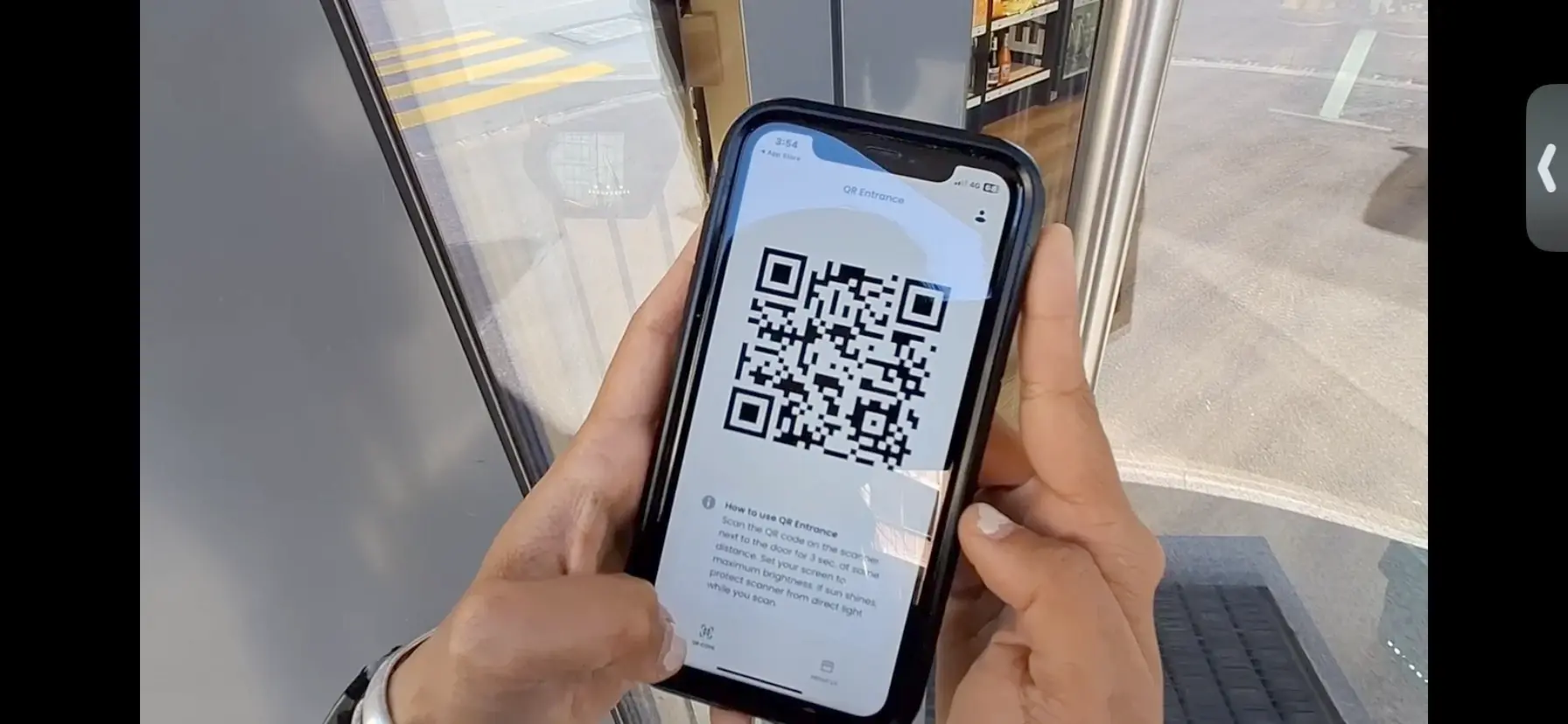 1Open the app
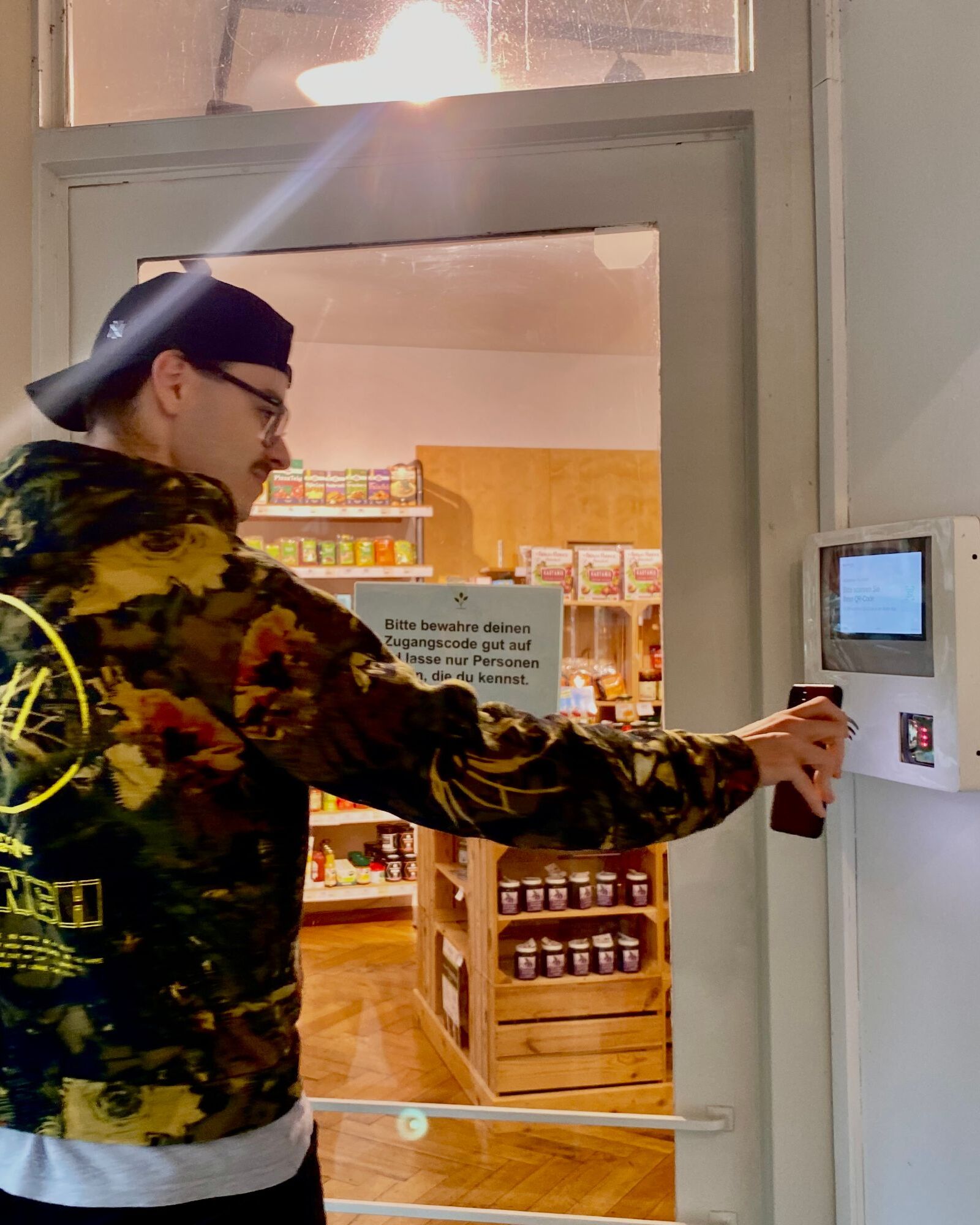 2Scan at the door
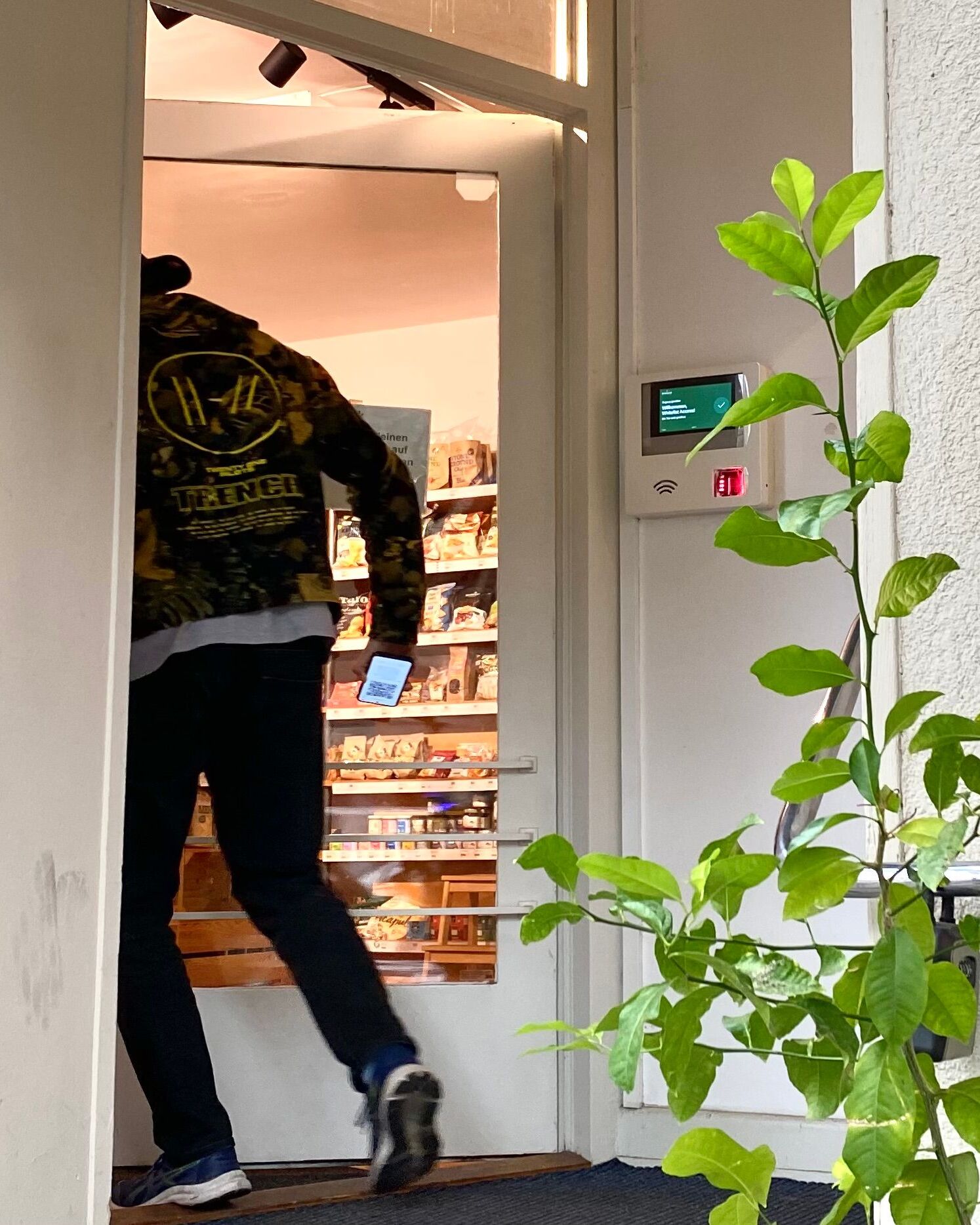 3Walk in
- 1Show the QR code in the app
- 2ByteGate checks it and opens the door
- 3Entry saved in the ByteGate Cloud
Your customers carry the key.
Each customer gets a personal QR code in an app with your shop’s name. They hold it to the reader and the door opens. No key cards to hand out.
- An app in your shop’s name
- One personal QR code per person
- No key cards to hand out
Registered in a few minutes.
Your customers sign up once in the app. After that, all they need at the door is their phone.
- 1CustomerEnter phone number and email
In the app with your shop’s name.
- 2CustomerConfirm the phone number
This makes sure the number really belongs to them.
- 3ByteKeyThe personal QR code appears
After 1 to 2 minutes, right in the app.
- 4ByteGateStraight into the shop
Hold the code to the scanner and the door opens.
Why phone number and email? So you can reach every person: every code has a confirmed phone number behind it, and the email is a second way to get in touch.
A code that cannot be passed on.
The QR code keeps renewing itself. A photo or screenshot is worthless after a short time. So every entry belongs to exactly one person.
- 01Keeps changingAn old code no longer opens the door. Sharing gets nobody in.
- 02Tied to one numberEvery code is bound to a confirmed phone number.
- 03Traceable if neededIf goods go missing, you see who was in the shop and can reach them by phone.

For a fully unstaffed shop: ByteGate and ByteKey, plus self-checkout, cameras and support from our team.
- Access with ByteGate and ByteKey
- Self-checkout with card and TWINT
- Cameras in the nightly check
- Set-up and support

 Built by HumanByte in Basel
Questions? Tammy answers you personally.
Tammy · CEO & Marketing Lead


Tell us about your shop. We call you.
Fill in the short form. We call you, find out what you need, tell you honestly whether we can help, and agree how fast you want to start. Questions or concerns? Write them in the message box, and we will have answers ready.